America's Oldest
Rare Coin Auctioneer & Dealer



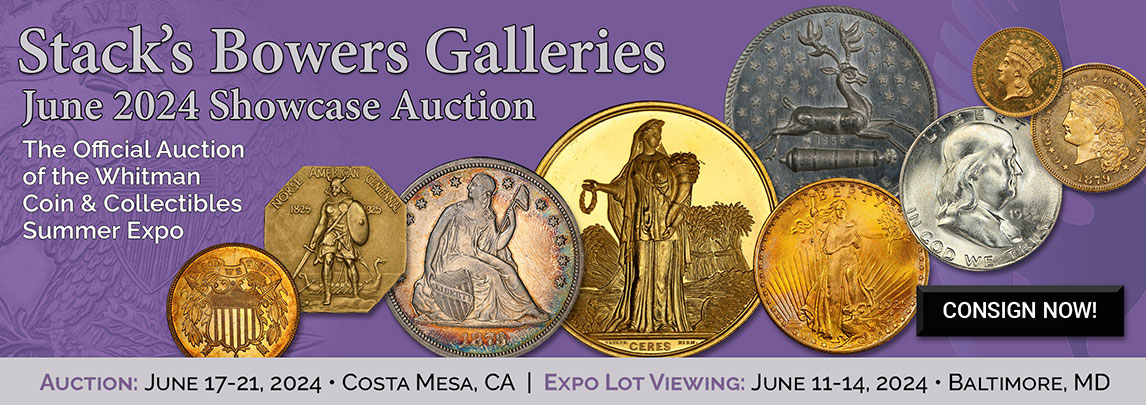
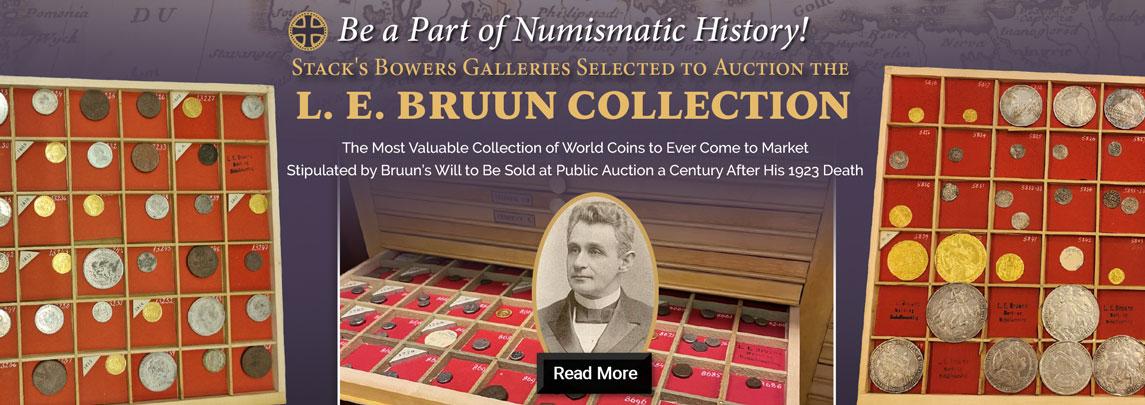

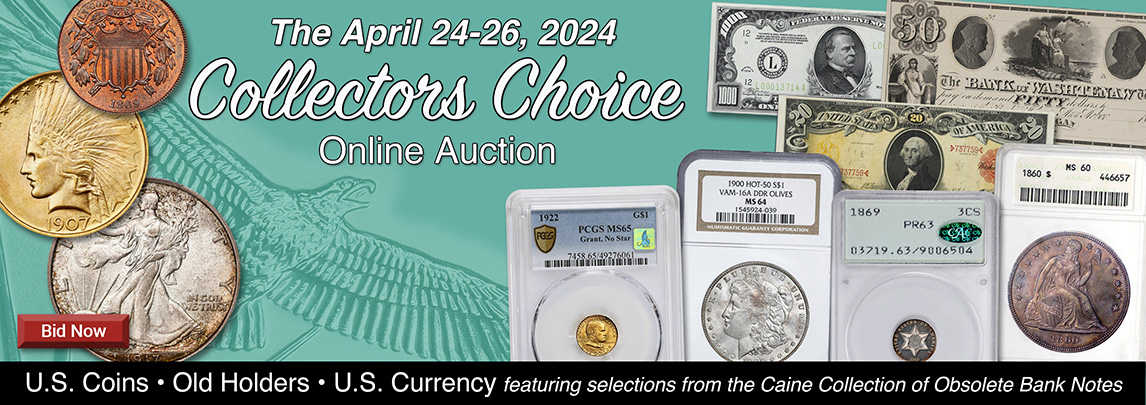

Apr 25, 2024 9:00 am PDT
Live Auction
www.StacksBowers.com
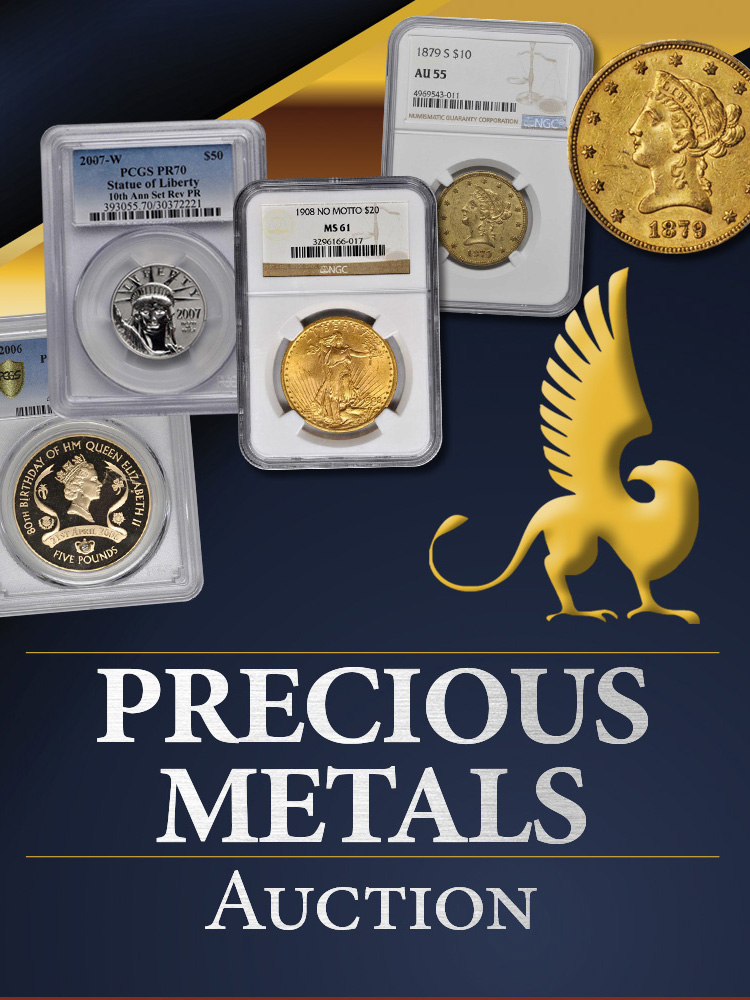
Apr 25, 2024 12:00 pm PDT
% Auction
www.StacksBowers.com

Apr 26, 2024 9:00 am PDT
Live Auction
www.StacksBowers.com
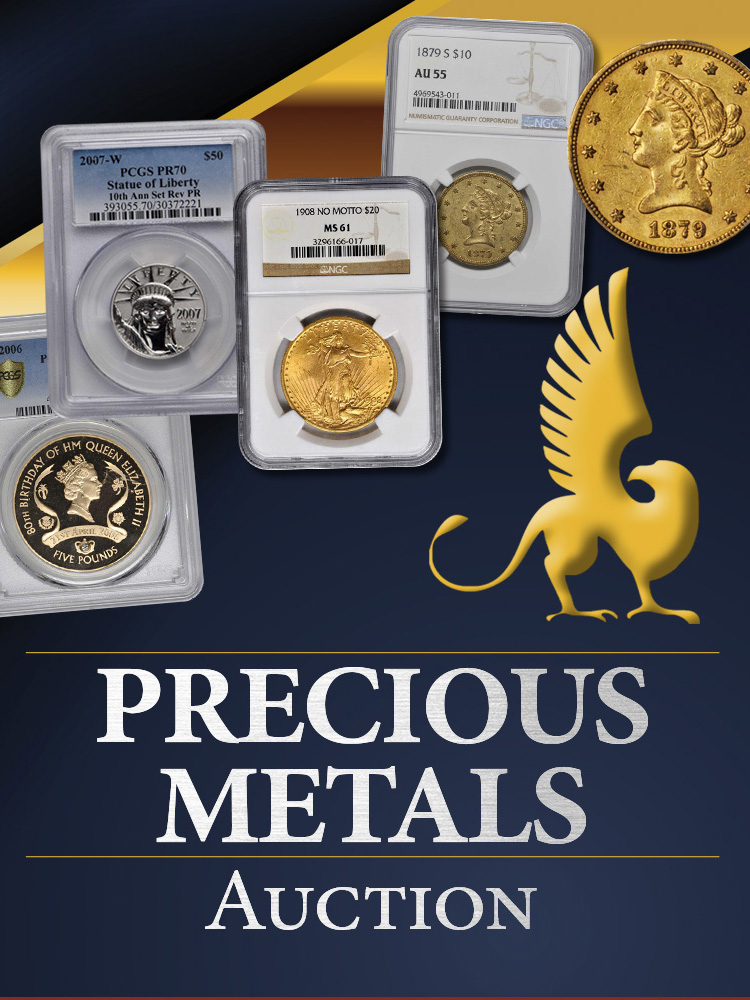
May 2, 2024 12:00 pm PDT
% Auction
www.StacksBowers.com

May 8, 2024 9:00 am PDT
Live Auction
www.StacksBowers.com
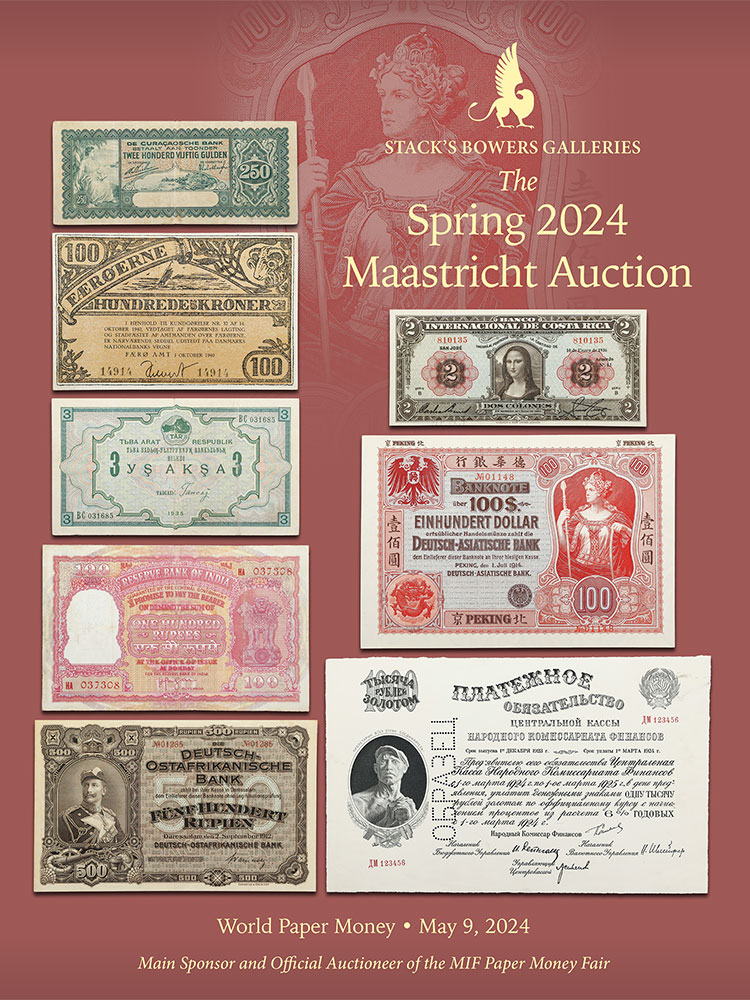
May 9, 2024 9:00 am PDT
Live Auction
Griffin Studios at Stack's Bowers Galleries
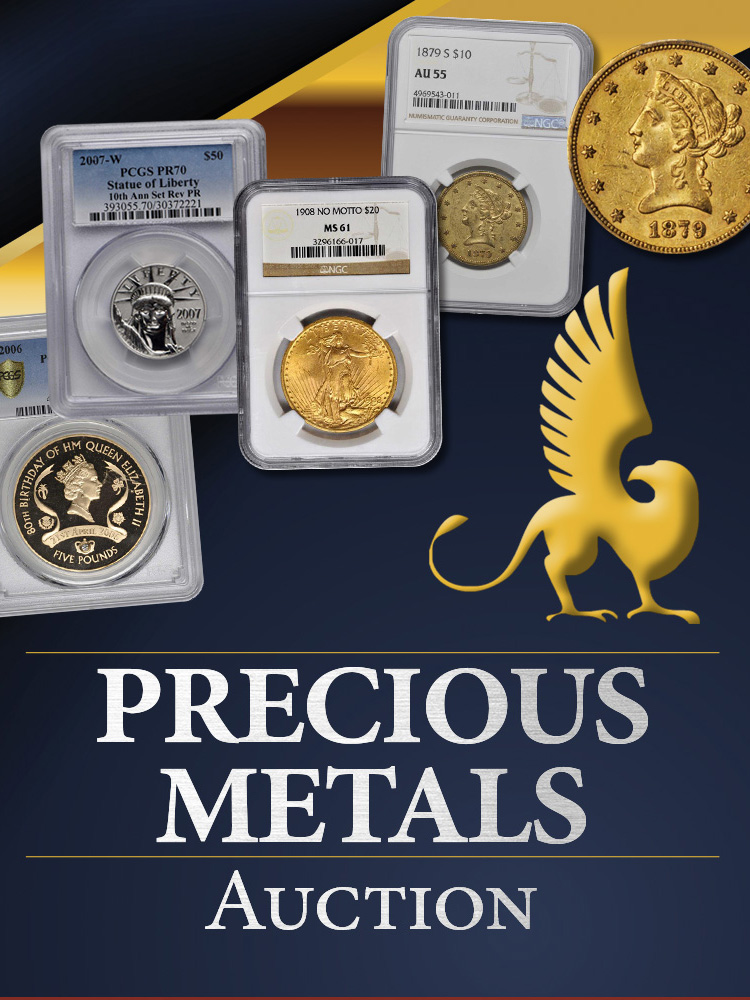
May 9, 2024 12:00 pm PDT
% Auction
www.StacksBowers.com

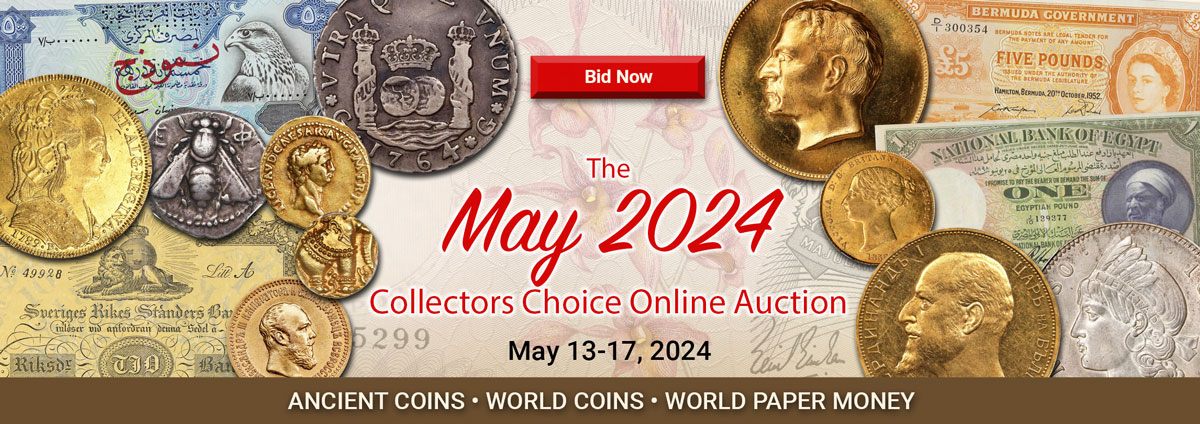
May 13, 2024 - May 14, 2024
Live Auction

May 15, 2024 - May 17, 2024
Live Auction
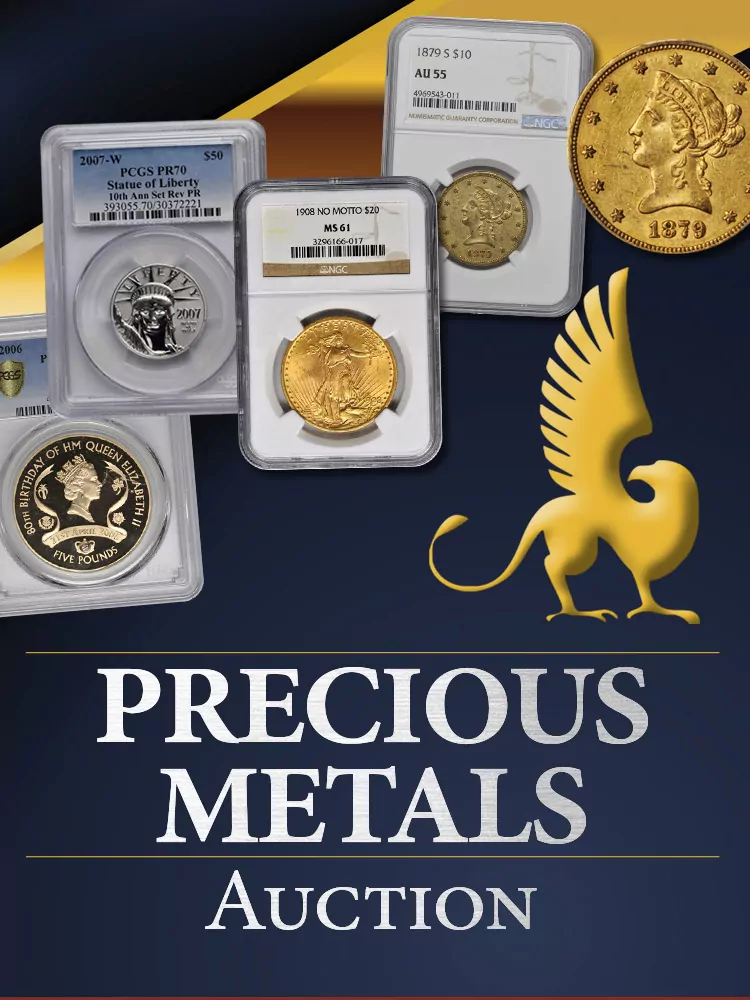
May 16, 2024 12:00 pm PDT
% Auction
www.StacksBowers.com
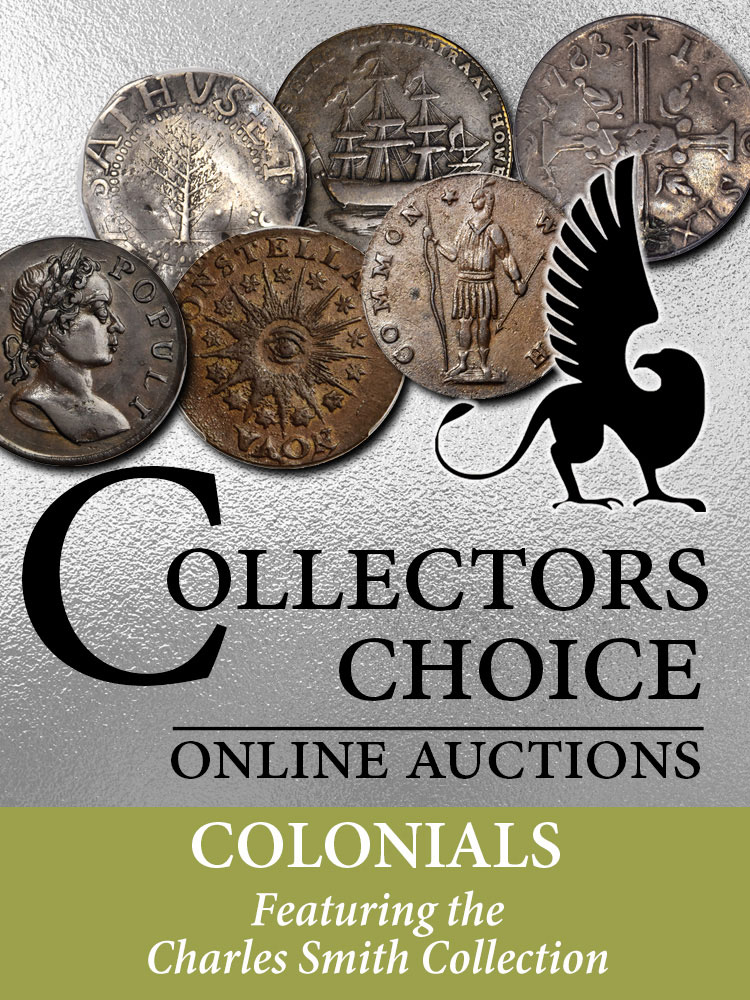
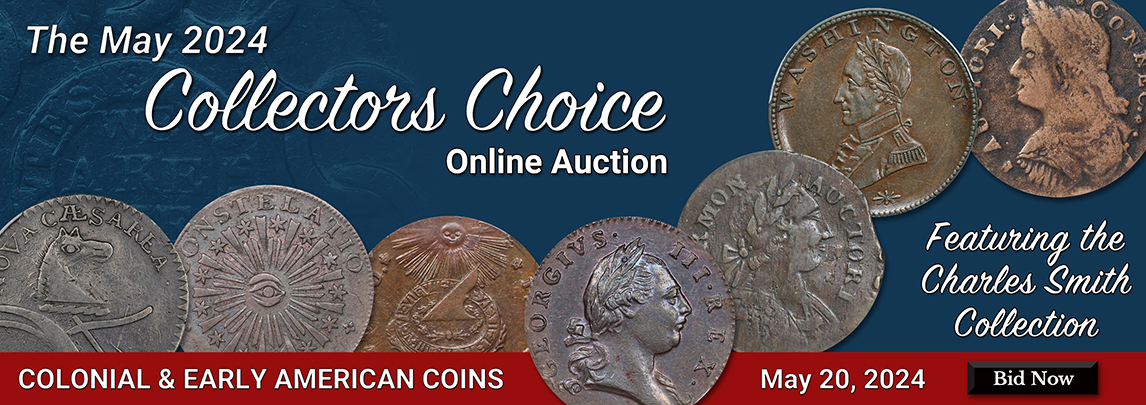
May 20, 2024 9:00 am PDT
Live Auction
www.StacksBowers.com

Charles Smith: May 20
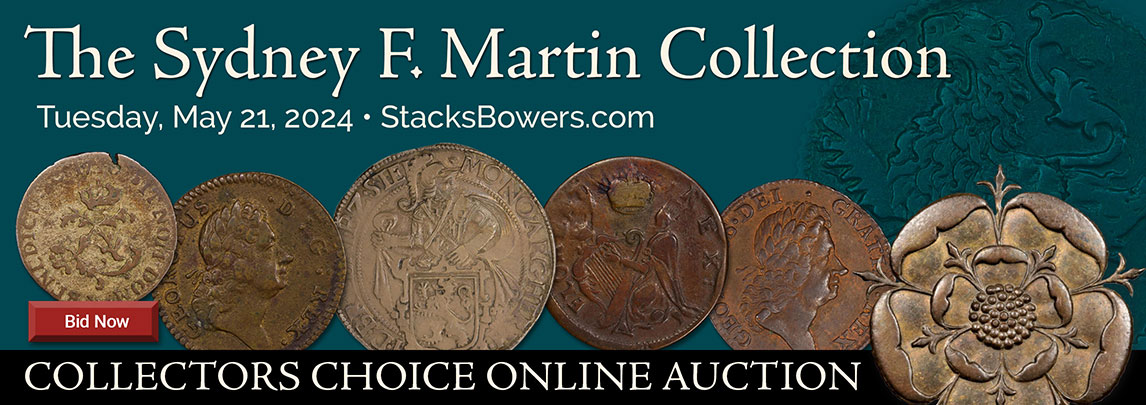
Sydney F. Martin: May 21
U.S. Coins: May 22
Live Auction
www.StacksBowers.com

May 21, 2024 9:00 am PDT
Live Auction
www.StacksBowers.com

May 23, 2024 9:00 am PDT
Live Auction
www.StacksBowers.com
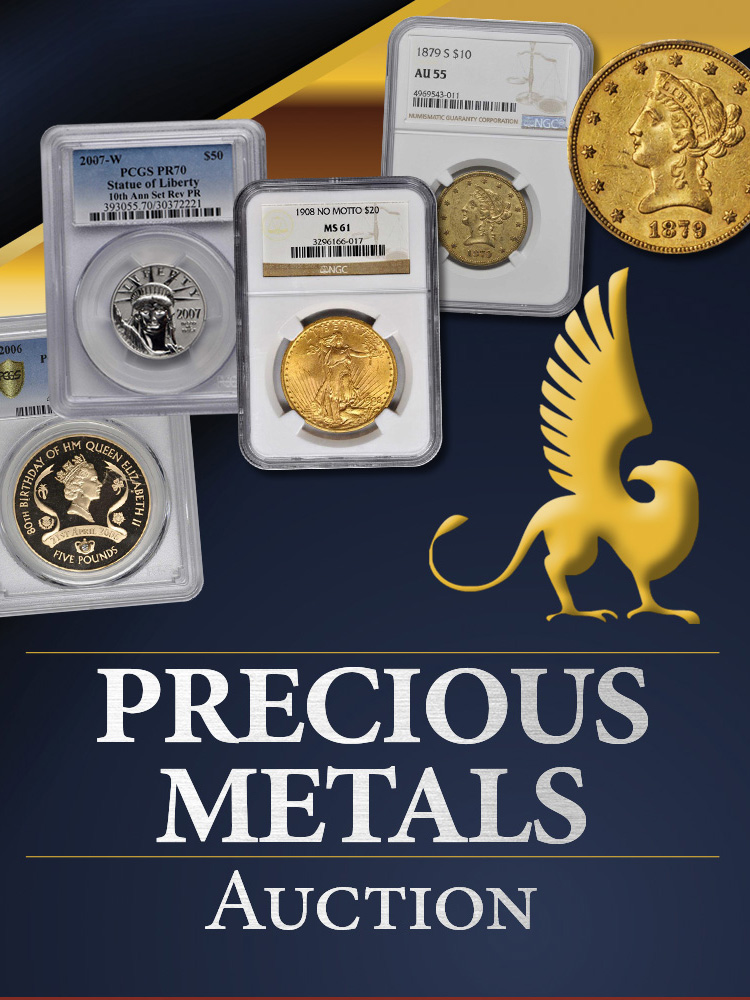
May 23, 2024 12:00 pm PDT
% Auction
www.StacksBowers.com
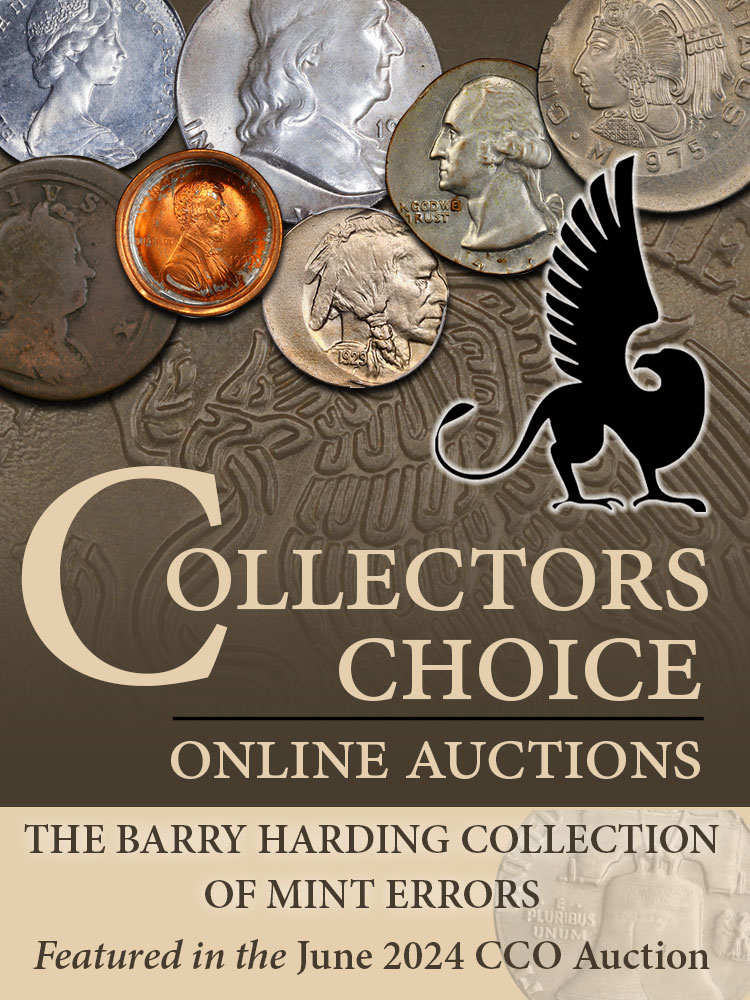
Jun 4, 2024 9:00 am PDT
Live Auction
www.StacksBowers.com

Jun 5, 2024 9:00 am PDT
Live Auction
www.StacksBowers.com

Jun 12, 2024 10:00 am HKT
Live Auction
Stack's Bowers & Ponterio Hong Kong, China Office
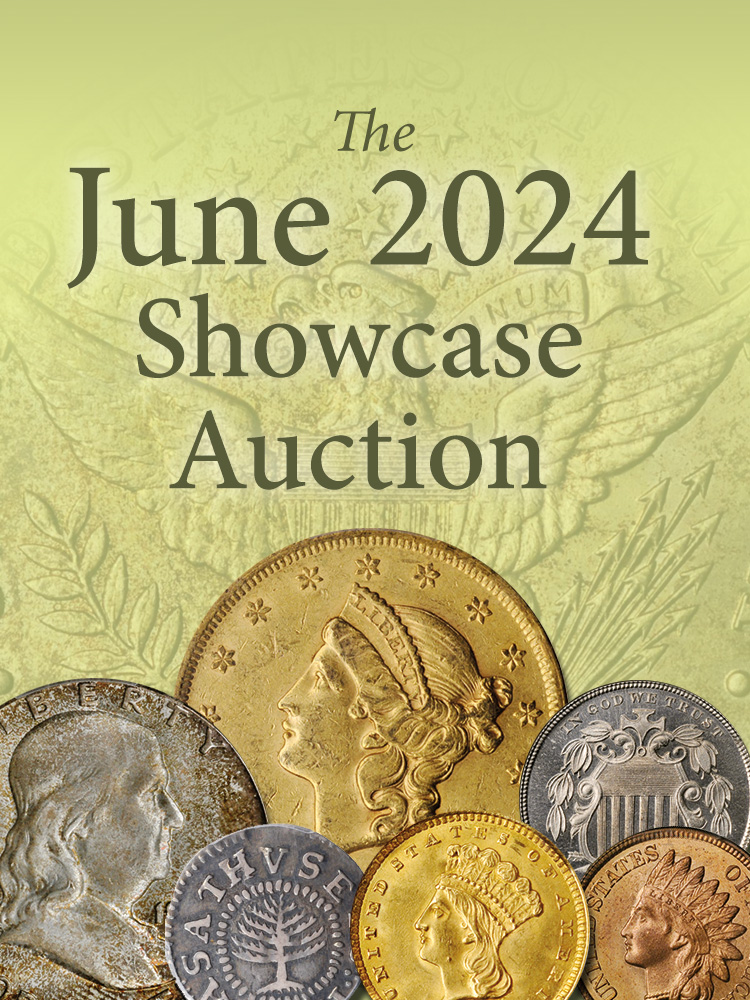
Jun 17, 2024 9:00 am PDT
Live Auction
Griffin Studios at Stack's Bowers Galleries

Jun 26, 2024 9:00 am PDT
Live Auction
www.StacksBowers.com
Jun 27, 2024 9:00 am PDT
Live Auction
www.StacksBowers.com

Jul 9, 2024 9:00 am PDT
Live Auction
www.StacksBowers.com

Aug 12, 2024 9:00 am PDT
Live Auction
Griffin Studios at Stack's Bowers Galleries

Sep 11, 2024 9:00 am PDT
Live Auction
www.StacksBowers.com

Sep 18, 2024 9:00 am PDT
Live Auction
www.StacksBowers.com

Sep 23, 2024 9:00 am PDT
Live Auction
www.StacksBowers.com

Sep 24, 2024 9:00 am PDT
Live Auction
www.StacksBowers.com

Oct 3, 2024 9:00 am PDT
Live Auction
Griffin Studios at Stack's Bowers Galleries

Oct 14, 2024 10:00 am HKT
Live Auction
Stack's Bowers & Ponterio Hong Kong, China Office

World Paper: Oct 29
Ancient & World Coins: Oct 30-Nov 1
Live Auction
www.StacksBowers.com

Nov 19, 2024 9:00 am PST
Live Auction
Griffin Studios at Stack's Bowers Galleries

Dec 4, 2024 10:00 am HKT
Live Auction
Stack's Bowers & Ponterio Hong Kong, China Office

Dec 11, 2024 9:00 am PST
Live Auction
www.StacksBowers.com
Apr. 10, 2024
As America's oldest rare coin auction house, Stack's Bowers Galleries has auctioned many of the rarest coins and most valuable collections ever assembled. Now, nearly ninety years after we held our first coin auction, our tradition of success carries forward into the 21st century as we continue to realize top market prices for rare coins and currency for collectors around the world. Our knowledgeable staff offers unsurpassed expertise in all areas of numismatics, as well as commitment to excellent personal service.
If this is your first time visiting our website and you are considering selling a single coin or entire collection, please call or email us with any questions. Or, simply submit your inquiry using this link. If you are researching the value of your coins, we recommend checking out our coin auction archives. We can also usually answer basic value inquiries through email. If you are nearby, please feel free to bring your coins into one of our gallery locations.
Be sure to view our upcoming auction schedule to participate or view one of our events. Don't forget that we also buy and sell coins, currency, and bullion privately on a daily basis.

May 13, 2024 9:00 am PDT
Live Auction
www.StacksBowers.com

May 14, 2024 9:00 am GMT
Live Auction
www.StacksBowers.com

May 15, 2024 9:00 am PDT
Live Auction
www.StacksBowers.com

May 16, 2024 9:00 am PDT
Live Auction
www.StacksBowers.com

May 17, 2024 9:00 am PDT
Live Auction
www.StacksBowers.com
Don't miss an auction!
Subscribe to our newsletter.
West Coast Office • (800) 458-4646
Midwest Office • (800) 817-2646
East Coast Office • (800) 566-2580
[email protected]Hong Kong, China Office • +852 2117 1191
[email protected]Additional representatives
available worldwide.
* Walk-ins welcome